Dental offices often face a steady increase in admin workload without a corresponding increase in staffing. Appointment coordination, insurance verification, and billing tasks compete for limited front-desk time.
Many practices reach a point where delays begin affecting patient flow and revenue cycles.
At that stage, the question becomes operational rather than strategic. How can existing workflows be supported without adding full-time staff?
This is where understanding how dental offices use virtual administrative assistants becomes relevant within day-to-day operations.
How Do Dental Offices Use Virtual Administrative Assistants?
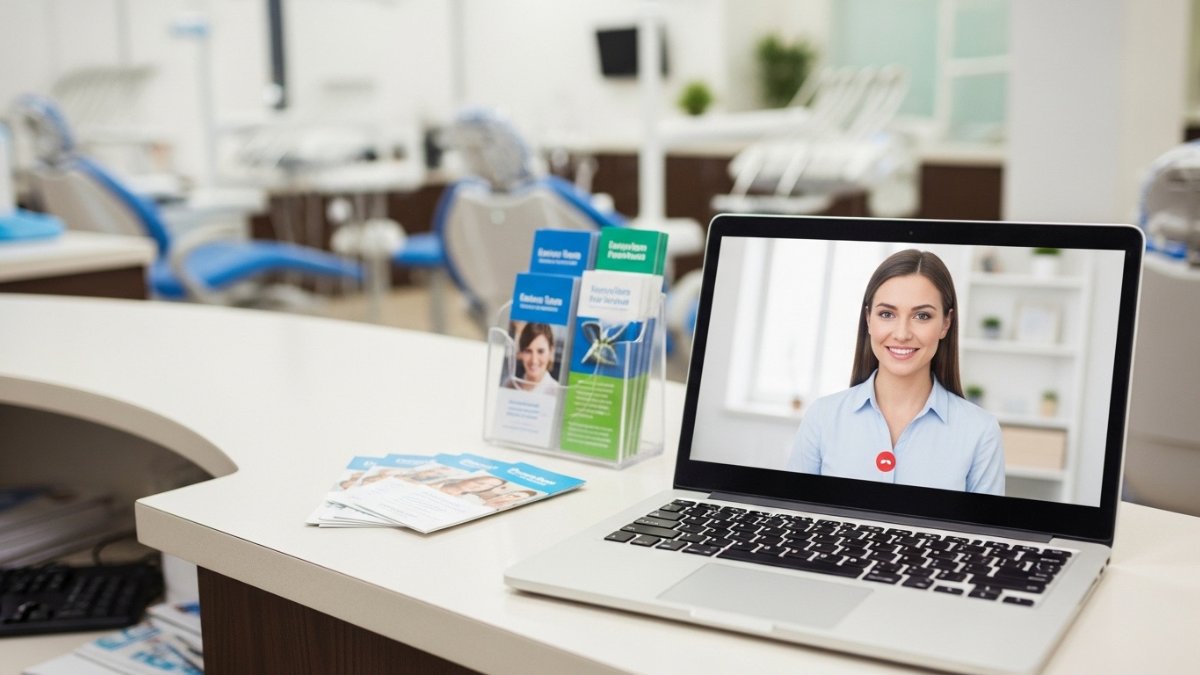
Dental offices use virtual administrative assistants to handle non-clinical tasks such as appointment scheduling, insurance verification, billing support, and patient communication.
These assistants work remotely using practice management systems and secure tools, allowing clinics to manage administrative workloads more efficiently without increasing in-house staffing.
What Does It Mean To Use Virtual Administrative Assistants In A Dental Office?
Dental practices rely on structured administrative processes that must run consistently across patient touchpoints. Virtual administrative assistants extend those processes remotely, working within existing systems rather than replacing in-house roles.
Virtual Administrative Assistant – Overview
A virtual administrative assistant is a remote staff member responsible for non-clinical tasks. These tasks typically include scheduling, documentation, and billing coordination. They operate within the same systems used by in-house staff, such as practice management software.
What makes this model viable in healthcare? Standardization. Most administrative workflows follow repeatable steps, which can be executed remotely without disrupting clinical care. Virtual assistants do not handle patient-facing clinical responsibilities but instead support the administrative backbone of the practice.
How They Integrate With Existing Staff
A virtual dental assistant works as an extension of the front desk rather than a separate unit. They receive tasks through shared systems, internal notes, or assigned workflows. Communication usually happens through secure messaging or task queues.
Does this create overlap or confusion? Not when roles are clearly defined. In-house staff focus on in-person interactions and immediate needs, while remote assistants handle structured, time-consuming tasks. This division helps reduce interruptions and allows each role to operate within its strengths.
Common Tools and Systems Used
Dental offices typically rely on centralized platforms to coordinate administrative work. Virtual dental assistants access these platforms with controlled permissions to maintain continuity across tasks.
Common systems include:
- Practice management software for scheduling and billing
- VoIP systems for handling calls
- Secure messaging tools for internal coordination
- Cloud-based documentation systems
These tools allow remote staff to perform tasks in real time. Access is configured to align with compliance requirements and internal workflows, including adherence to HIPAA guidelines for protecting patient data.
How Dental Offices Use Virtual Administrative Assistants In Daily Operations

Administrative workload in dental practices follows predictable patterns throughout the day. Virtual dental assistants are assigned to specific parts of that workflow, helping maintain continuity across scheduling, billing, and communication tasks.
1. Appointment Scheduling and Calendar Management
Scheduling remains one of the most time-intensive front-desk responsibilities. Virtual assistants handle appointment booking, rescheduling, and provider calendar adjustments within the practice system.
What changes operationally? Staff no longer need to manage every incoming scheduling request in real time. Remote assistants can process online inquiries, confirm availability, and update schedules throughout the day. This reduces gaps and improves calendar visibility for providers.
2. Insurance Verification and Eligibility Checks
Insurance verification often delays patient intake when handled manually at the front desk. Virtual assistants complete eligibility checks before appointments, documenting coverage details in the patient record.
Why is this important? Early verification reduces claim denials and billing corrections later in the cycle. Remote staff can review policy details, confirm benefits, and flag discrepancies before the patient arrives, improving financial accuracy.
3. Patient Communication and Follow-Ups
Patient communication extends beyond appointment reminders. Virtual assistants manage outbound calls, text reminders, and follow-up messages after visits.
Does this replace front-desk communication? No. It supplements it. Remote assistants handle routine outreach, allowing in-house staff to focus on patients present in the clinic. This approach improves response times and reduces missed appointments.
4. Billing Support and Claims Coordination
Billing workflows require consistent follow-up and documentation. A virtual assistants prepares claims, tracks submissions, and follows up on outstanding balances with insurers.
How does this affect revenue flow? Timely follow-up reduces delays in reimbursement. Remote staff can monitor claim status and communicate updates, helping maintain a steady billing cycle without adding internal workload.
5. Data Entry and Patient Record Updates
Accurate records are essential for both clinical and administrative processes. Virtual assistants update patient demographics, enter non-clinical notes, and maintain organized records within the system.
What risk does this address? Incomplete or outdated records often lead to scheduling errors and billing issues. Remote support ensures that patient data remains current, supporting smoother operations across departments.
6. Front Desk Overflow Handling
Call volume often peaks during specific hours, creating delays and missed inquiries. Virtual assistants help manage overflow by answering calls or responding to online requests.
Does this reduce wait times? Yes. Remote staff can handle incoming volume when in-house teams are occupied with patients. This improves accessibility without requiring additional front-desk hires.
7. Referral and Treatment Coordination
Treatment plans often involve multiple visits or specialist referrals. Virtual assistants track these processes, coordinate schedules, and follow up with patients or external providers.
Why does this matter operationally? Missed follow-ups can disrupt care continuity. Remote coordination ensures that referrals are completed and treatment plans stay on schedule, reducing administrative gaps.
8. Reporting and Administrative Support
Administrative reporting provides insight into daily and weekly operations. A virtual assistant generates reports on scheduling trends, cancellations, and workflow activity.
How is this used in practice? Office managers review these reports to identify inefficiencies and adjust staffing or scheduling strategies. Remote support ensures that data is consistently prepared and available.
Also Read: Advantages of Virtual Medical Assistant In Healthcare
Where Virtual Assistants Fit Within Dental Office Workflows

Dental workflows are structured around patient visits, with administrative tasks distributed before, during, and after each appointment. Virtual dental assistants are assigned to specific stages to support continuity without interfering with clinical care.
Pre-Visit Workflow Support
Pre-visit processes include scheduling confirmation, insurance verification, and patient intake coordination. Virtual assistant helps complete these tasks ahead of the appointment, ensuring readiness.
What does this improve? Front-desk staff spend less time resolving issues during check-in. Patients arrive with verified information, reducing delays and administrative corrections.
During-Visit Admin Coordination
During active clinic hours, administrative needs continue in the background. Virtual assistants handle incoming calls, adjust schedules, and update records as needed.
Does this affect patient flow? It helps maintain it. In-house staff remain focused on patients physically present, while remote assistants manage external communication and scheduling adjustments.
Post-Visit Administrative Tasks
After a patient visit, several tasks remain, including billing follow-ups and claim tracking. Virtual admin assistants manage these processes, ensuring timely documentation and communication.
Why assign this remotely? Post-visit tasks are structured and repeatable. Remote handling ensures consistency and prevents backlog, which can affect revenue cycles.
Coordination With In-House Roles
Clear role definition is essential for effective collaboration. A virtual assistant handles structured administrative work, while in-house staff manage real-time, patient-facing responsibilities.
What prevents confusion? Defined workflows and communication channels. Task ownership is assigned based on location and urgency, allowing both roles to operate efficiently within the same system.
Final Thoughts
Virtual administrative assistants support dental offices by managing structured administrative tasks across scheduling, billing, and communication workflows. Their role fits within existing systems rather than replacing in-house staff.
The practical takeaway is to identify repeatable processes that can be handled remotely. This allows internal teams to focus on patient-facing responsibilities and immediate operational needs.